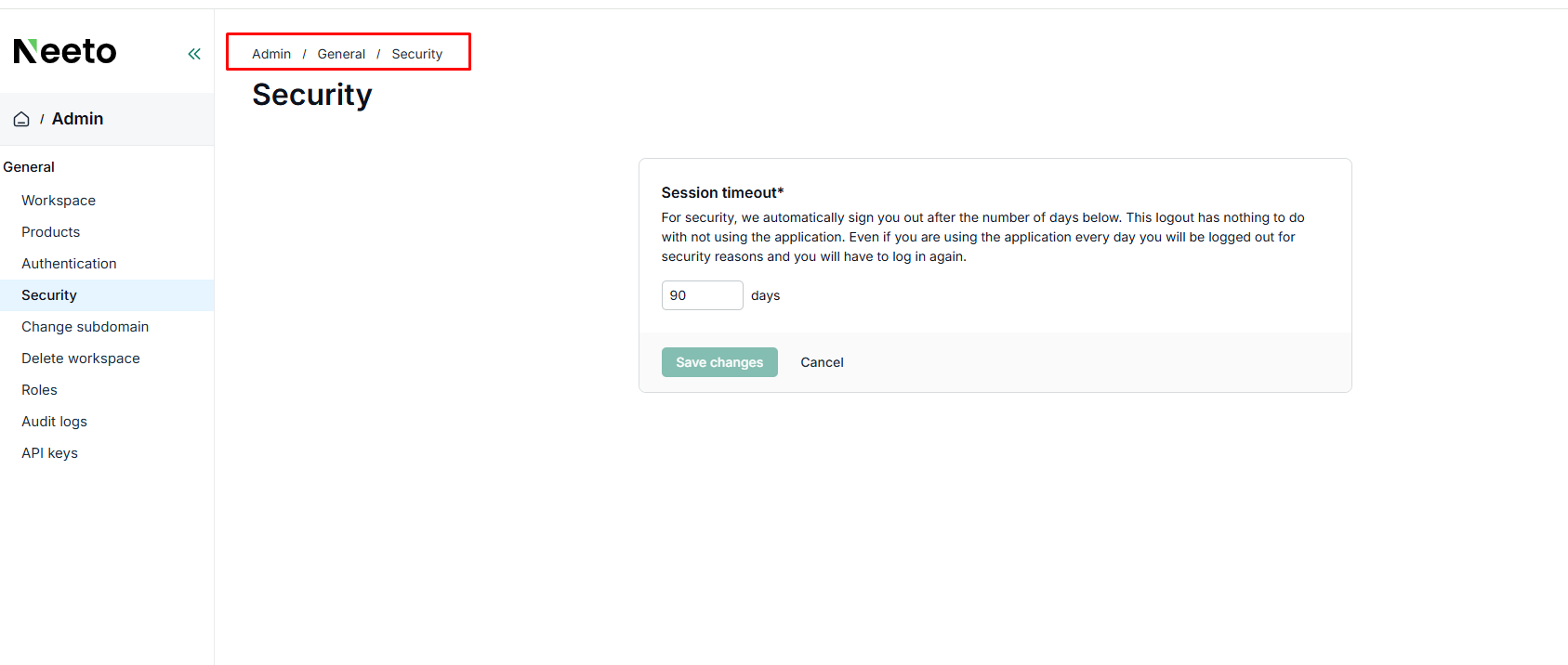

Let's say that you log in to Neeto someday. 90 days from that day, your login session will expire, and you will be asked to log in again. This is to ensure the security of your account.
This login session expiration has nothing to do with inactivity. Even if you log in to Neeto every day, 90 days after the first login you will be logged out and you will be asked to log in again. Once you log in, then you are good for the next 90 days. Note that 90 days is the default timeout and can be configured.
Configure session timeout
Hover the mouse on the profile picture at the bottom left corner.
Hover over Workspace tab and click on Settings.
Click on the Security card.
Select the number of days under Session timeout. By default it will be 90 days.